Top Up Wallet
This section you can top up for particular member's eWallet. You are allow to see member eWallet balance. To access this page click on MAIN MENU > eWallet > Top Up > Top Up Wallet .
To top up a member's eWallet point:
- To access this page click on MAIN MENU > eWallet > Top Up > Top Up Wallet .
-
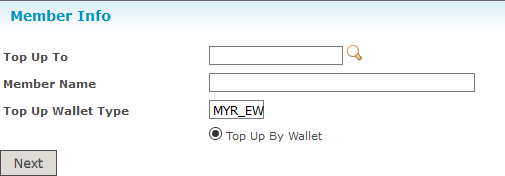
Fill in Top Up To input,a member you wish to top up and click Next button.
 You are allow to view member's eWallet Balance from Wallet Information section:
 There are some terms and conditions for top up.
-
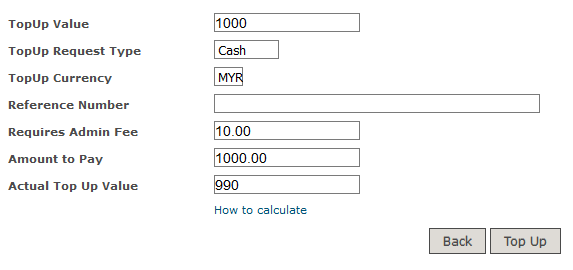
Type in amount you wish to top up in TopUp Value input, system is smart enough to fill the rest of the inputs for you. Click Top Up button after you type in the top up amount.
-
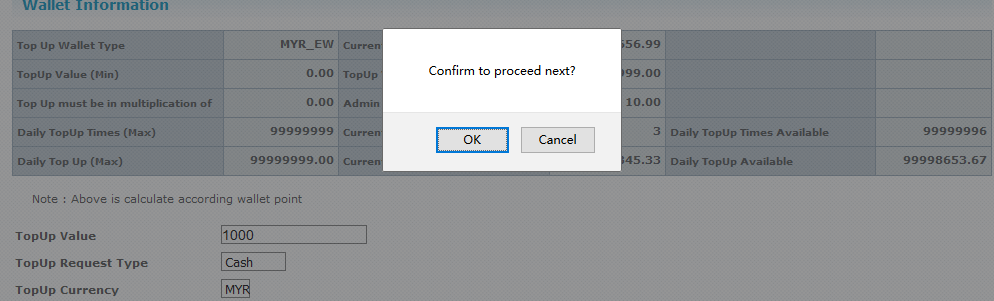
Click OK to confirm your top up.
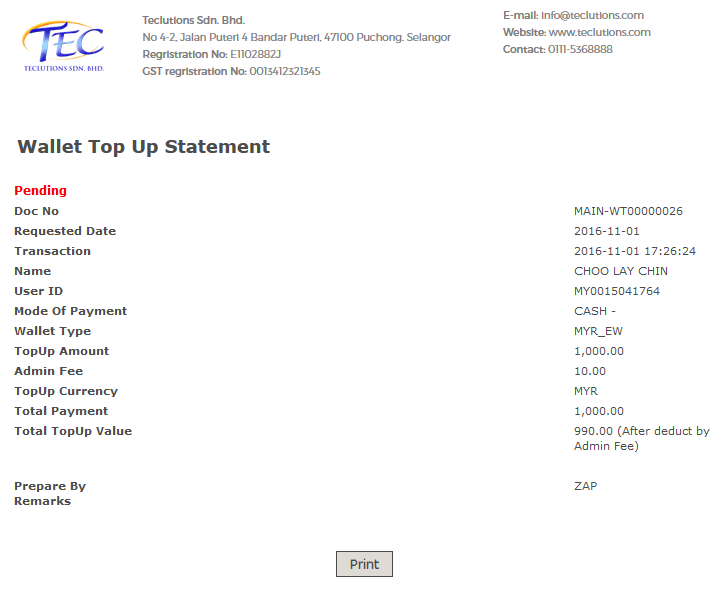
 And the results: