eWallet Transfer
This section you can transfer wallet point within members. You are allow to transfer eWallet point from member A to member B. To access this page click on MAIN MENU > eWallet > eWallet Transfer > eWallet Transfer.
To transfer eWallet point between members:
- To access this page click on MAIN MENU > eWallet > eWallet Transfer.
-
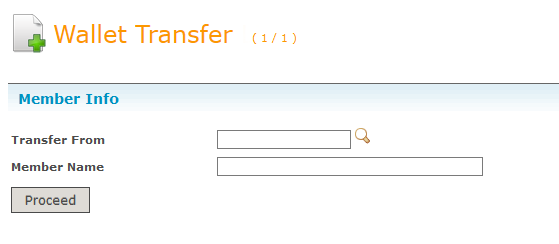
Type in a member id you wish to transfer from and click Proceed button.
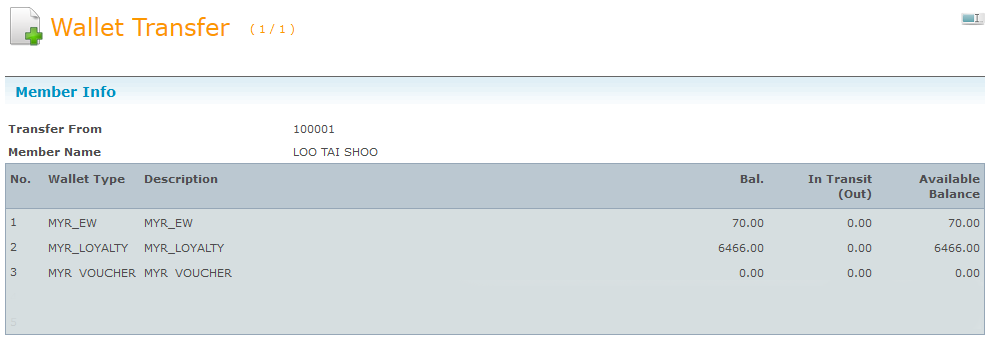
 You will see all types of eWallet balance from the transferer. This allow you to check the available balance and only transfer the amount you have.
-
Select a transfer type. Y = Yes and N = No , for example if you select transfer type from EW to EW you are not allow to transfer eWallet Point to Same NRIC.

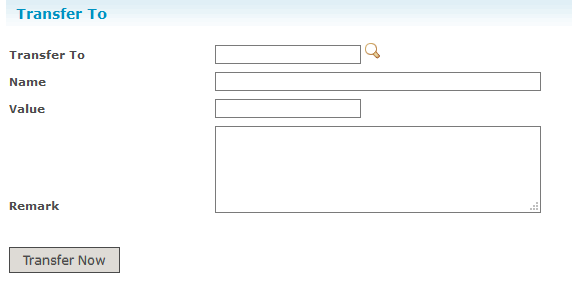
- Type in the member (receiver) you wish to transfer to and click Transfer Now button. Value input is the amount you wish to transfer.